01 · Generate
Create a new adult AI image
Describe a fictional adult, pose, camera, lighting and setting. Start broad, then keep the composition that best matches the concept.
Black Forest Labs · Image generation and editing
Lovecut Klein uses the fast FLUX.2 [klein] image-model family from Black Forest Labs as the foundation for text-to-image creation and prompt-based editing. Generate a fictional adult character, keep the strongest frame and change individual details without restarting the whole scene.
Choose it when speed, image editing and several reference cues matter more than video. Adult-output availability comes from the platform layer; FLUX.2 [klein] itself is a general-purpose visual model.
Developer
Black Forest Labs
The company behind the FLUX model family.
Model family
FLUX.2 [klein]
Compact 4B and 9B variants.
Core modes
Generate + edit
Text, single-reference and multi-reference workflows.
Best for
Rapid revisions
Explore and correct without long waits.
Brand and base-model capabilities follow Black Forest Labs documentation. Adult controls and output limits depend on this platform.
✦ Four practical workflows
Klein is strongest as an interactive image workspace: establish a visual direction, reuse references and make precise changes in short cycles.
01 · Generate
Describe a fictional adult, pose, camera, lighting and setting. Start broad, then keep the composition that best matches the concept.
02 · Edit
Adjust wardrobe, background, expression, crop or light while telling the model which elements must remain unchanged.
03 · Reference
Use eligible reference images for identity, styling or composition. Only upload media you own or have permission to use.
04 · Hand off
Finish the still in Klein, then pass it to an image-to-video model when the scene needs motion.
✦ Visual directions
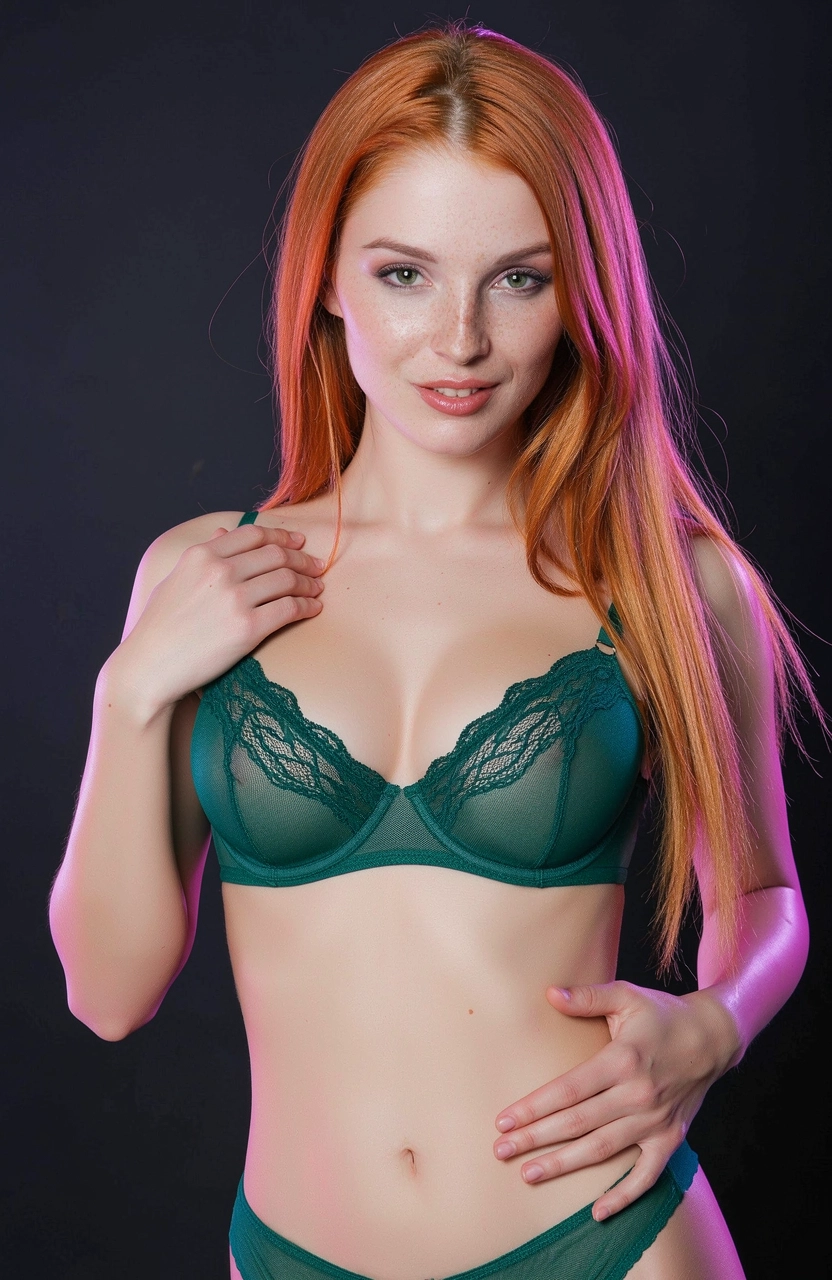
Use photoreal references for portrait detail, controlled lighting and scene changes. These examples come from the site's existing image library.


✦ Fast iteration loop
Step 01
Define the fictional adult, action, environment, shot and light.
Step 02
Select for composition and identity before spending time on small details.
Step 03
Change a single item and explicitly preserve everything that already works.
Step 04
Use the finished image directly or as the first frame of a video.
✦ Choose it for the right reason
✦ Model questions
FLUX.2 [klein] is Black Forest Labs' compact family for fast image generation, single-reference editing and multi-reference editing.
Lovecut Klein is the platform workflow built around the FLUX.2 [klein] model family. Controls, limits and content rules come from the product layer.
Yes. The FLUX.2 Klein family supports image editing and multi-reference generation. Results are best when each prompt describes one focused change.
No. Use Klein to create or edit the still, then send the finished frame to an image-to-video model.
✦ Continue creating
✦ Generate, edit, repeat
18+ · Fictional adults only · Use reference media responsibly